Personal Portfolio of Photographer Thomas Jupe, currently living in Birmingham, UK and working for Biscuit Imaging

There seems to be a few people that are struggling to add photos to the forum. I hope they find this helpful!
When you hit the ‘post a reply’ button you get the following screen:
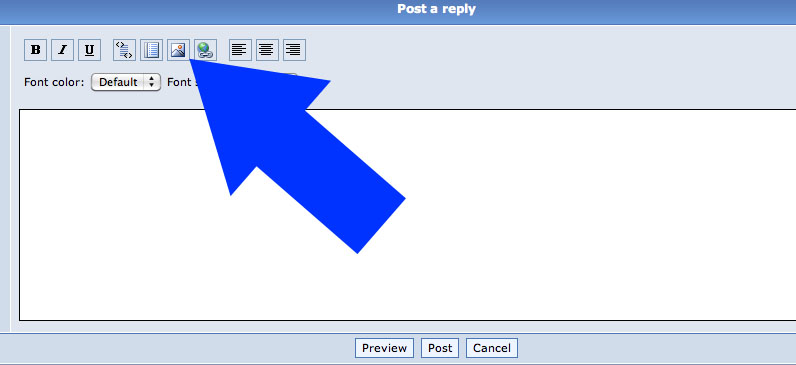
If you press the add picture button. Up pops the following HTML:
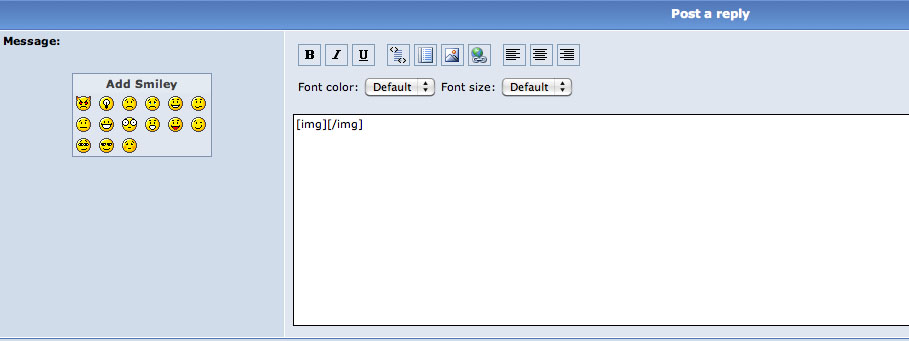
It can be quite confusing what to do with this so I hope I can make it easy! All you need to do (see below) is pop in the image address, for example, open your alamy image and right click on it. Select ‘copy image address’
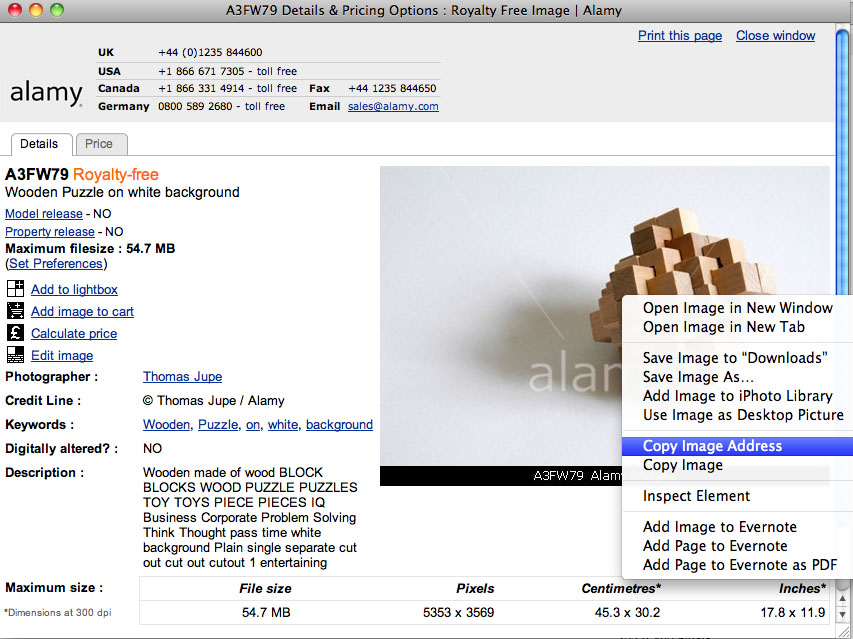
Nb. I know this is safari (Mac) based but hopefully someone can add a comment for internet explorer.
Once this is copied to your clipboard all you need to do is paste it in-between the code brackets.
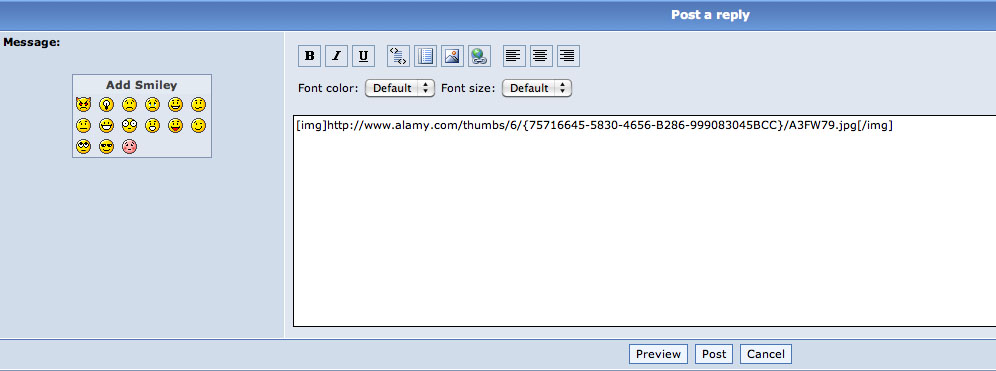
If I write TEXT above and below the code:
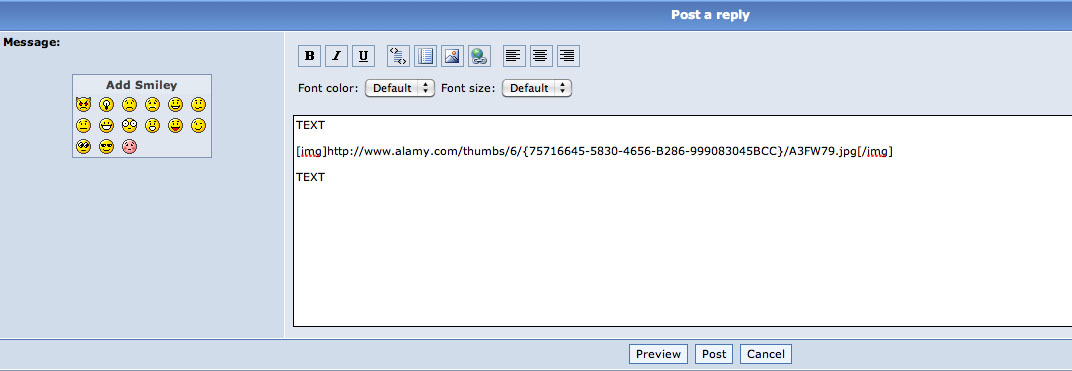
And then hit preview you can see how it will appear in your post:
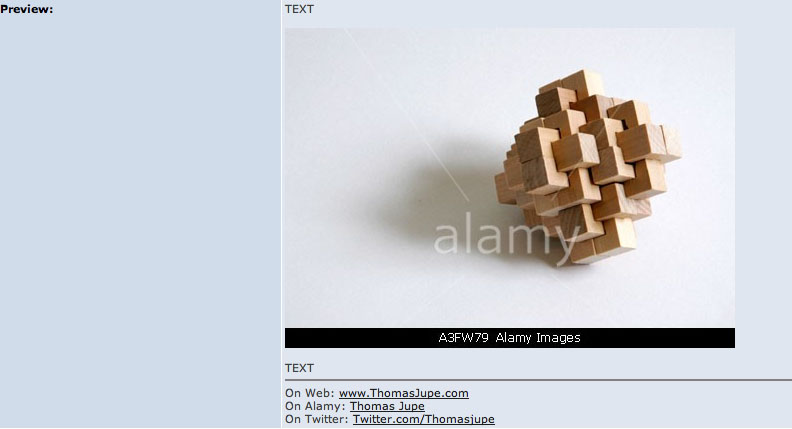
I hope someone finds this post useful! You can add any image on the web this way by copying the image address or url, even from your own website or portfolio.